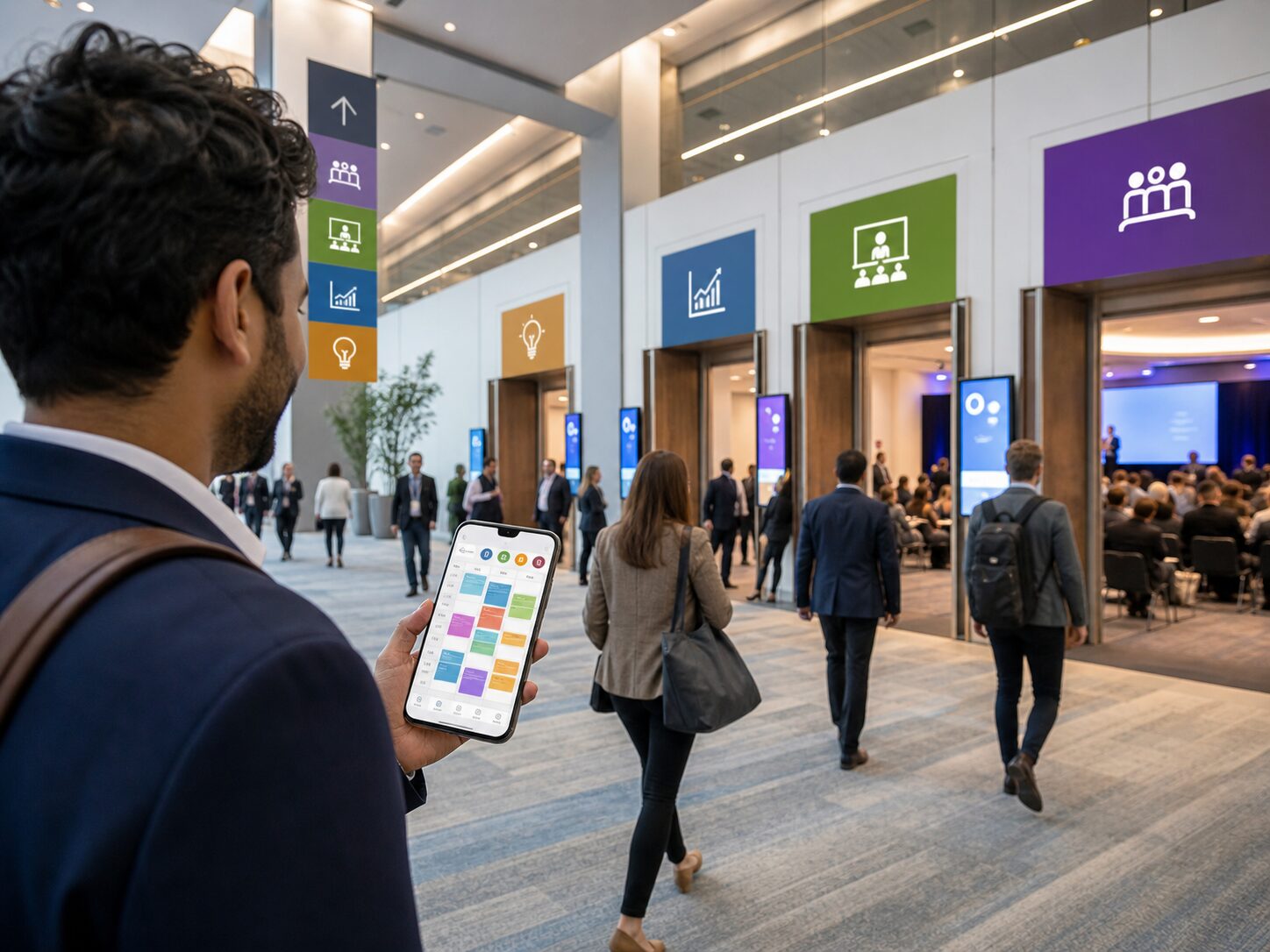

Organize every part of your event
Build schedules, manage activities, invite participants, and send updates – all from one organized hub that keeps everything running smoothly.
Features
Explore the core features
Powerful tools to organize schedules, signups, invites, locations, updates, and participant plans from one clear event hub.
Event Setup
Create your event, set key details, dates, timezone, image, and access settings.
Schedule Planning
Build multi-activity schedules with sessions, locations, and parallel activities.
Participant Signups
Let people choose activities, save favorites, and build a personal plan.
Updates & Communication
Share event and activity updates while keeping communication private.
Event Setup
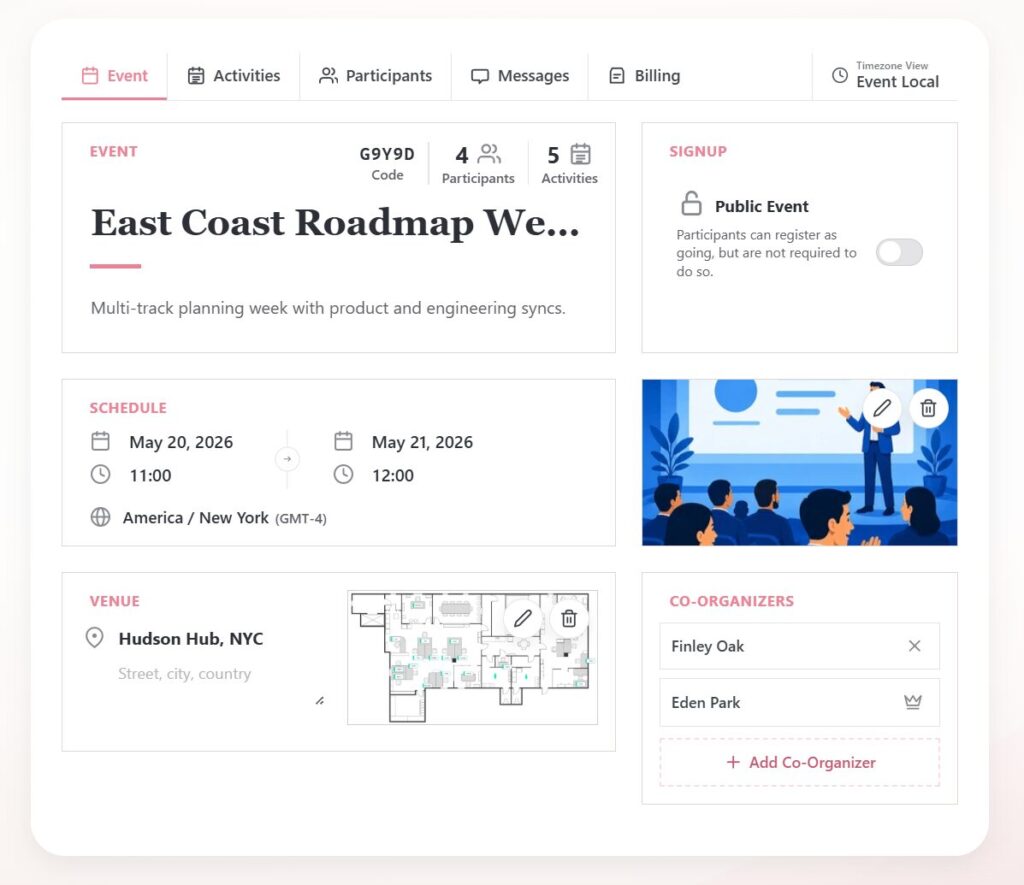
Create public or private events with the details participants need from the start: title, description, image, date, time, timezone, and access settings. Add venue information and a map image so the event page becomes the central place people return to.
PinkRoad is built for events that grow beyond a simple calendar entry. Start with the main event, then add activities, organizers, invitations, and updates as the program takes shape.
Schedule Planning
Build a complete event schedule with talks, workshops, meals, transport, games, breaks, or social activities. Each activity can have its own time, description, location, image, and map reference.
Activities can run in parallel, making PinkRoad useful for conferences, training days, camps, festivals, retreats, and any event where participants need to choose between options.
Participant Signups
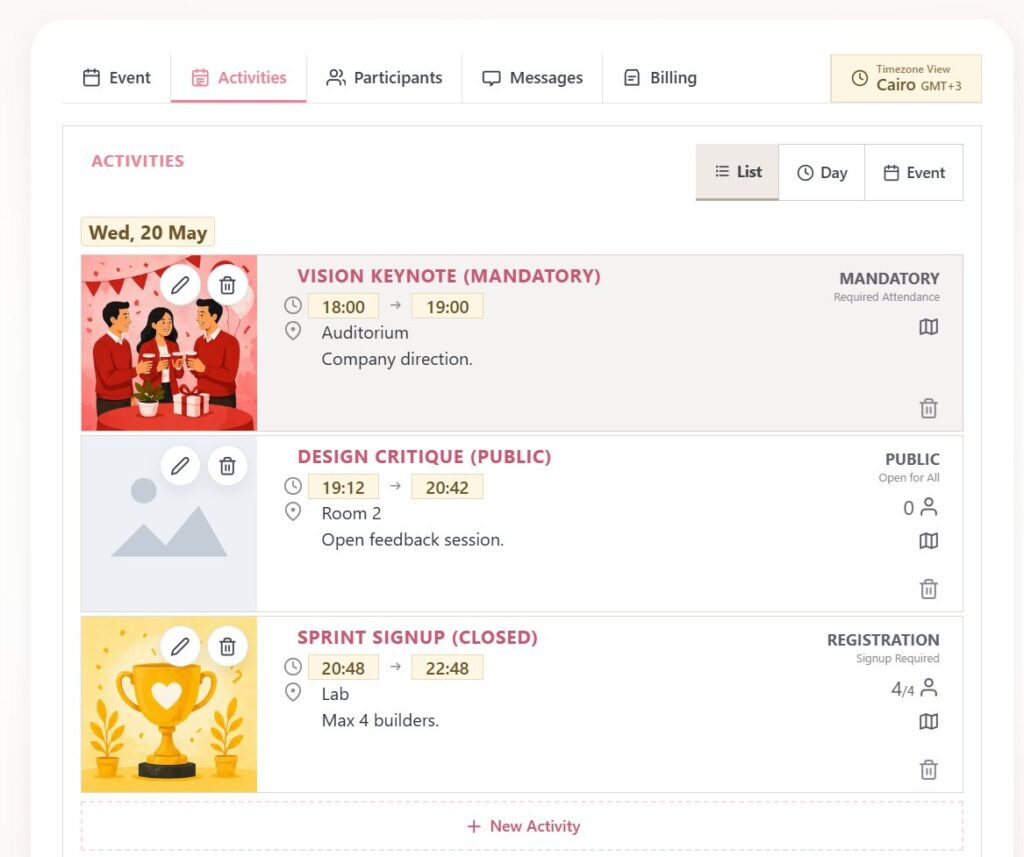
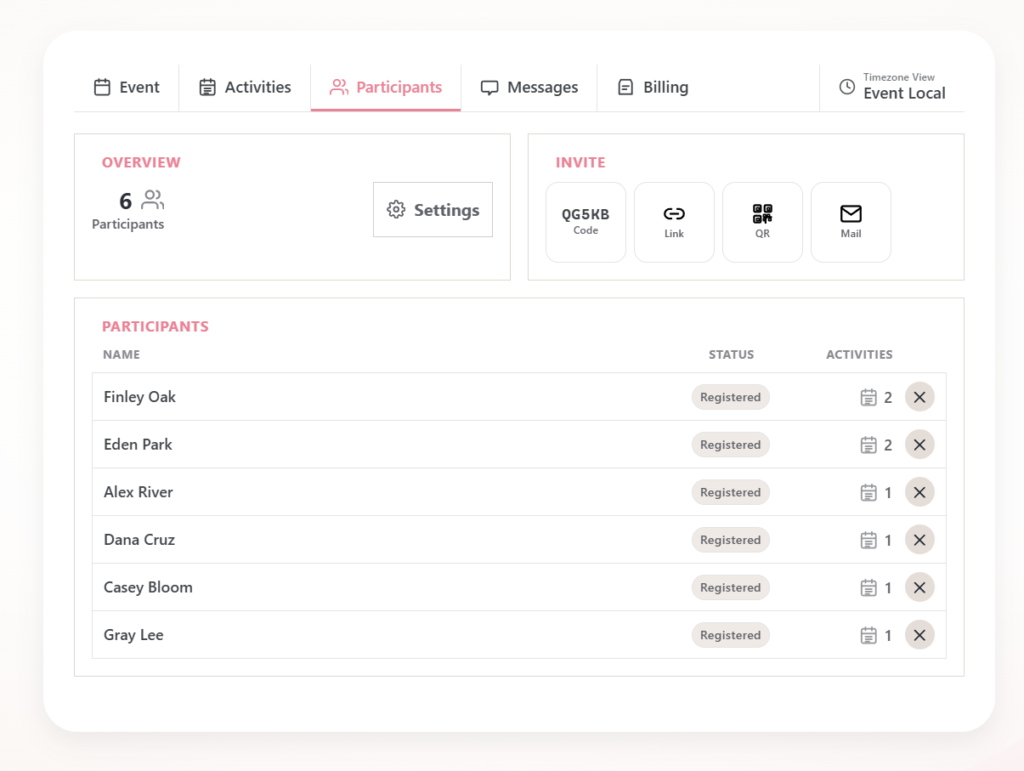
Let participants sign up for the event and choose the activities that fit them. Organizers can see how many people have joined each activity, making planning and capacity overview easier.
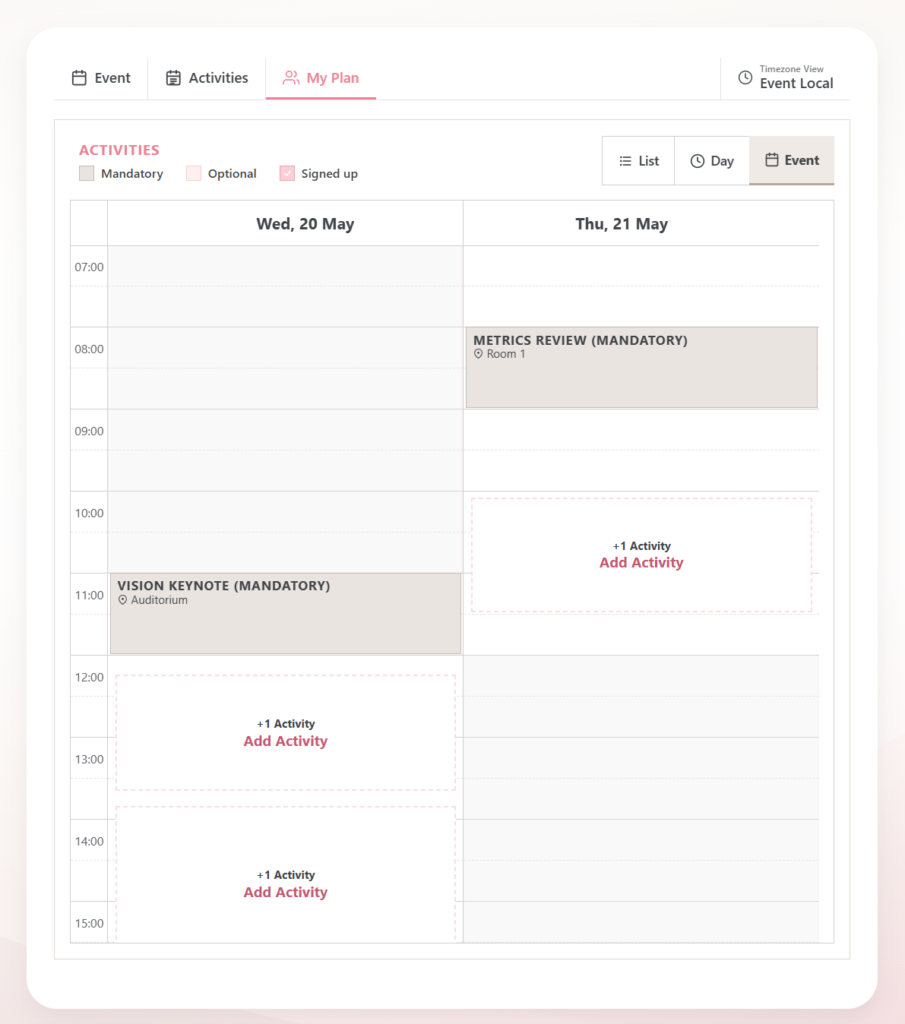
Participants can favorite events, return later, and filter the schedule to show their personal plan. Shared or mandatory activities stay visible, so nobody loses track of the core program.
Invitations & Access
Invite people by email, private link, join code, or QR code. PinkRoad works for digital invitations, printed posters, welcome desks, badges, handouts, and physical event signage.
Events can be public or closed depending on your needs. Closed events help organizers control access, while join codes and QR codes make it simple for invited participants to get in.
Maps & Locations
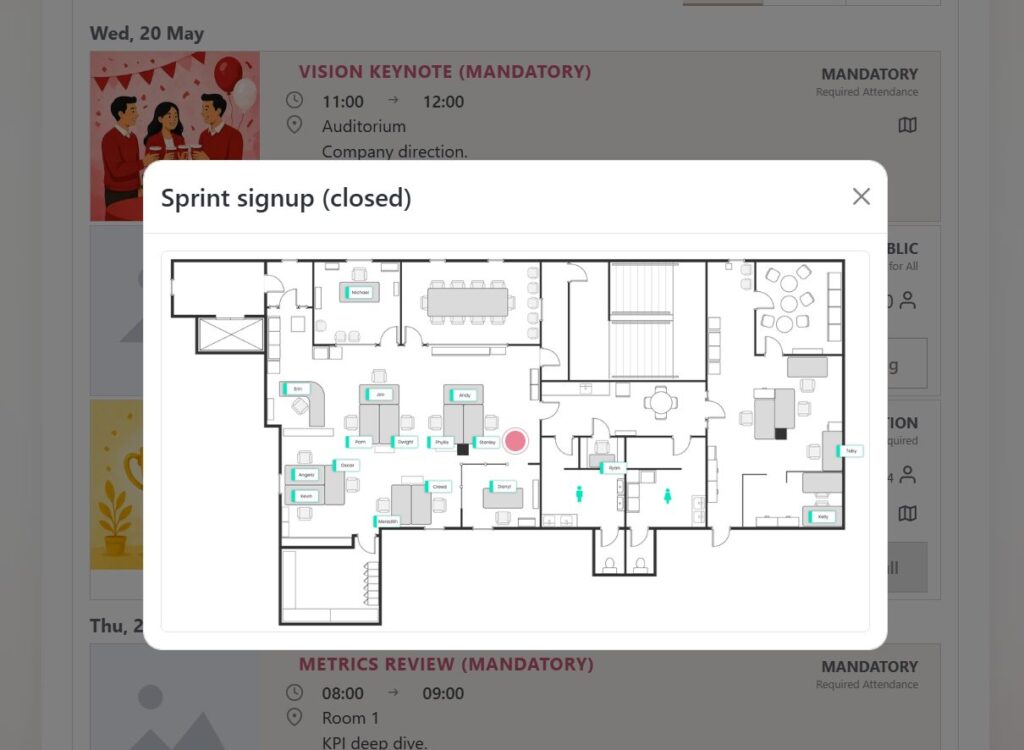
Add locations, venue map references, and images to events and activities. Participants can quickly see where each session, workshop, meal, meeting point, or transport pickup is happening.
This is especially useful for events spread across rooms, buildings, outdoor areas, stages, tents, hotels, or campuses. Instead of answering repeated location questions, organizers can keep directions inside the schedule.
Ready to organize your next event?
Create a clear event hub with schedules, signups, invitations, maps, and updates in one place.
PinkRoad helps you plan the full program, guide participants, manage activity choices, and keep everyone informed before and during the event.